Log in to your personal account
To log in to the personal account of the Murmansk Region Investment Portal (hereinafter referred to as the Portal), a visitor must click on "Personal Account" in the upper panel on the main page. The authorization page with a login form will open. You need to enter your credentials – email address and password (Figure 1).
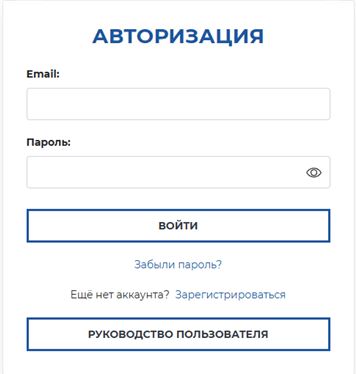
Figure 1 – Authorization window
After authorization, the user's personal account page will open, which includes the following sections:
- user information;
- applications.
User information in the personal account
The personal account page displays information about the authorized user, specifically (Figure 2):
- Full name;
- Phone number;
- Email address.
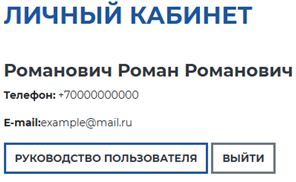
Figure 2 – Information about the Portal personal account user
In this section, the user manual for working with the Portal's personal account is also available for review.
Working with applications in the personal account
Below the authorized user's information, the "Submit an application" and "Submitted applications" blocks are located (Figure 3).
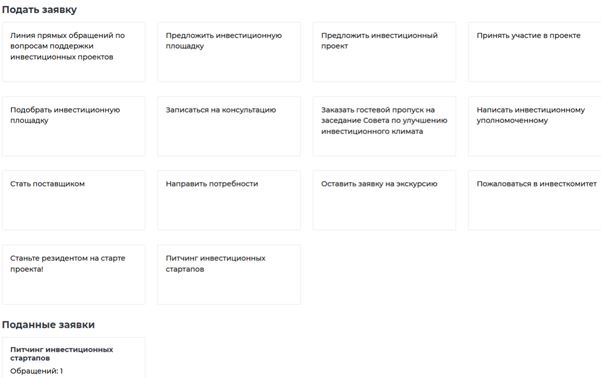
Figure 3 – "Submit an application" and "Submitted applications" blocks
The "Submit an application" block contains the available forms through which you can submit an application.
The "Submitted applications" block contains applications that were previously submitted.
To view previously submitted applications, you need to select the form you are interested in within the "Submitted applications" block. Once you select a form, a list of your applications will appear. By going to the application page, you can check the current status and the date when the status was assigned. A notification is sent to your email every time the status changes.
Additionally, on the application page, you have the option to send messages related to the application if this feature has been activated for that application (Figure 4).
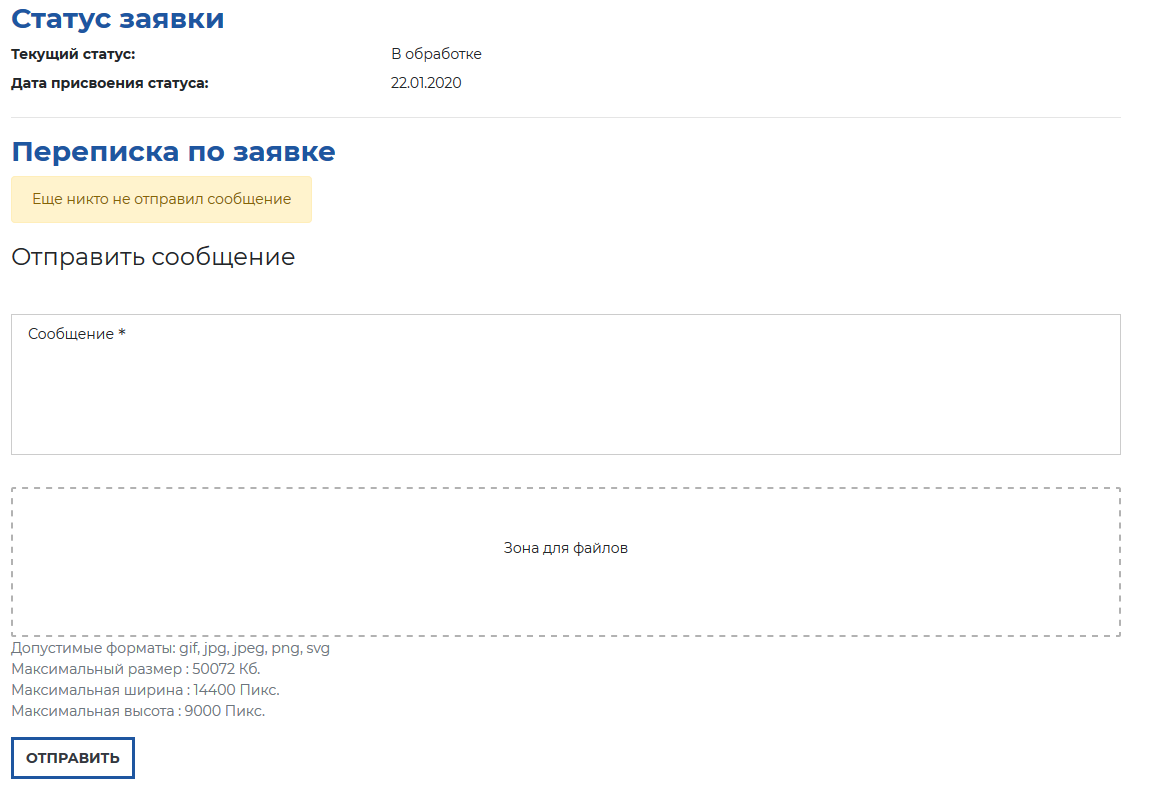
Figure 4 – Application page
